Free browser tool

Training log

Notice the pattern behind the good moments.

Keep the useful detail.

Where were you, what was happening and what made it easy?
Describe the behavior and comfort you could actually see.
What will you repeat or make easier next time?

Stored only in this browser. Avoid private personal or medical information.

Your practice notes.

A note should change your next decision

Write down the situation, not just the cue. Include the room, distraction, distance or timing that seemed relevant. “Turned toward me once in a quiet room” is more informative than “attention training went well.”

Keep observations separate from interpretations

“Moved away when the towel appeared” describes something you saw. “Was being difficult” assumes a motive. Clear observations help you change the setup and communicate with a professional.

Keep a copy of what matters

These notes stay in this browser profile and are not synchronized with DogPath. Clearing site data can remove them. Export a CSV for your own record, and avoid including sensitive personal or medical information.

Comfort and care come first. Stop optional practice when your dog is worried or unable to take part. Seek appropriate help for pain, panic, aggression or bite risk.

Read the training approach
Make the tool useful

Turn four short observations into a useful next session.

The training log keeps the details that a simple success checkmark misses: the goal, the setup, what you observed and one next step. Those fields encourage a small, testable change rather than a judgment about whether your dog was good. Record the environment and what the dog actually did. A useful entry can be brief as long as the next person reading it can understand which version was comfortable and what should happen differently.

Entries stay in this browser profile, with options to export a CSV, print the notes, delete an individual entry or clear the saved collection. They are not an online account, encrypted medical record or shared DogPath history. Use ordinary training observations and avoid private personal information, access codes and detailed medical records. Keep a separate exported copy of information you want to retain, because clearing browser storage or changing profiles can remove local notes.

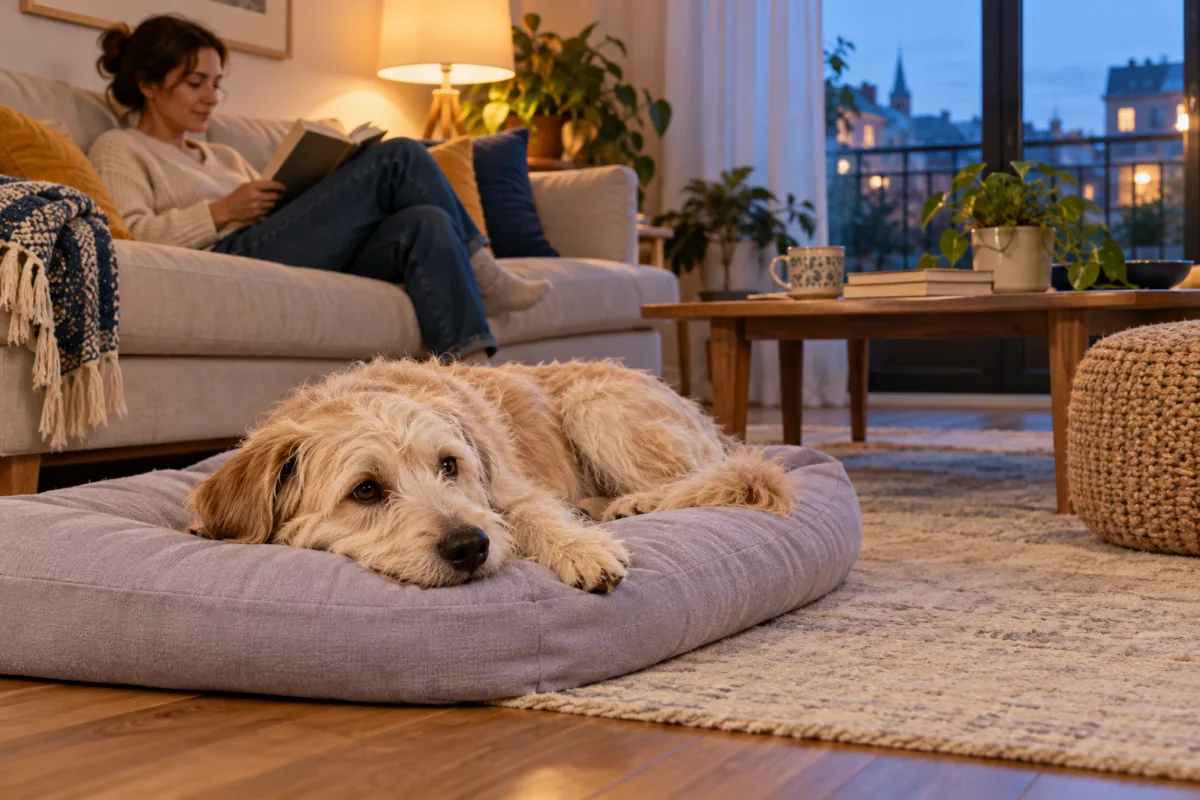
A scruffy dog resting on a lavender bed while a person reads nearby
Leave room for recovery after the activity, as well as during it.

A practical walkthrough

From a choice to something you can use.

01

Name one observable goal

Choose a small action that another person could recognize, such as a voluntary glance in a quiet doorway or comfortably noticing a towel at a distance. Avoid a broad label such as obedience, confidence or a perfect walk. The goal field is limited to 120 characters, which encourages a manageable focus. Pick the session date accurately so you can compare the note with actual events rather than assuming every entry describes the day you typed it.

02

Describe the setup that made the result possible

Include relevant context: location, distance, person, surface, equipment, distractions or the event immediately before practice. You do not need every detail of the day. Choose the variables that would help someone reproduce the easy version. For example, explain that the front door stayed closed and another adult handled the delivery. Without those details, a later reader might unintentionally try the same exercise in a much harder situation and assume the dog has forgotten it.

03

Separate what happened from what you inferred

Write visible behavior and comfort information. “Turned away when the brush moved” is clearer than “decided to be stubborn.” Include whether the dog could leave and what happened after the exercise. A dog accepting food does not by itself prove the whole setup was comfortable. The observation field is not a diagnosis; use it to identify a practical question to discuss with a qualified professional when health, fear or safety concerns need individual assessment.

04

Choose one next step, then protect the record

State what you will repeat or make easier next time. Changing distance, duration and environment together makes later comparisons difficult. Save the note, check it appears in the collection and export a CSV periodically if the record matters to you. The log holds up to 500 entries, with up to 1,000 characters in each of the longer note fields. It does not automatically summarize patterns or synchronize across devices; reviewing the entries remains a human task.

A worked example

A filled-in note for a doorway rehearsal.

A useful log records enough context to repeat the easy version. This illustrative entry avoids a score and distinguishes optional practice from the real trip outside.

Setup
Quiet afternoon; interior doorway; walking equipment securely attached; no urgent outing needed. Rewards prepared before beginning. Another adult kept the surrounding room clear.
Observation
Dog looked toward the handler, received a suitable reward and took two easy steps alongside. The person ended the rehearsal while participation was comfortable. No busy hallway was involved.
Next step
Repeat the same interior setup at another quiet opportunity. Keep the real toilet trip straightforward. Do not add corridor noise and a longer wait at the same time.

From an ordinary day

Illustrative entry: preparing for a quiet delivery

Goal: “One comfortable look toward me while the door remains closed.” Setup: “Living room, dog free to leave, leash already prepared, another adult receiving the real parcel outside.” These details make clear that the household is rehearsing an easy indoor moment, not asking the dog to perform beside an open entrance or an unfamiliar visitor.

Observed: “Looked toward me once, accepted the reward and moved to the bed. Became alert when voices grew louder in the hallway.” Next time: “Repeat the quiet indoor version and move the resting option farther from the entrance before the next delivery.” The note preserves both the useful moment and the part that still needs a better arrangement.

The handler can export this record for their own review or share a suitable copy with a professional through an appropriate channel. They avoid putting addresses or access instructions into the entry. The example is illustrative, not a preloaded user record or a measured training result. Its value is the clear connection between setup, observation and a single next decision.

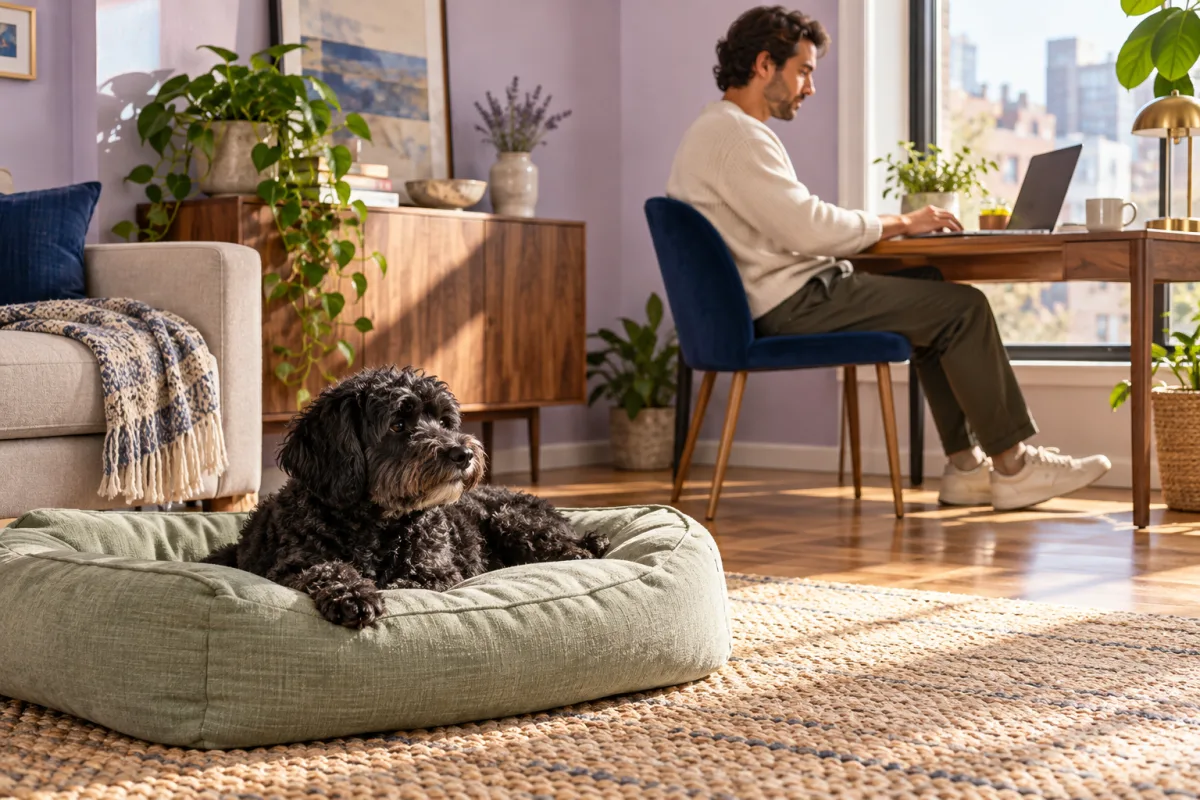
A dog resting freely near a person working at a compact desk
Prepare the workday around care, a useful resting place and realistic breaks.

When the picture changes

Adjust the setup, then decide.

SituationA practical adjustment
Your entry says only that practice went well.Add the environment, one visible behavior and what the dog did afterward so the note can guide a repeatable next step.
Every session changes several variables.Choose one manageable variable to repeat or simplify. The log can reveal a pattern only if the circumstances are described clearly enough to compare.
A concerning change appears in several entries.Use the factual observations to seek suitable professional advice. Do not turn the log into a self-diagnosis or keep testing a distressing situation for more data.
You are moving to another browser or device.Export a copy first. Local entries are not automatically transferred, and this tool does not offer CSV import or account recovery.

Before the next step

Using this tool in practice.

Do I need to write a long entry after every repetition?

No. A few clear sentences can be more useful than a detailed narrative that nobody revisits. Record the setup, the visible response and the decision that changes the next attempt. You can summarize a short easy session in one entry. Avoid interrupting comfortable interaction repeatedly to maintain an unnecessary amount of paperwork.

Can other household members see my notes automatically?

Only people using the same browser profile can access that profile’s local collection through this tool. There is no household account, cloud sharing or synchronization with DogPath. Export or print an appropriate copy if you want to discuss observations with another caregiver, and keep private information out of a record that may be viewed on a shared computer.

What happens when I clear the saved notes?

The clear control asks you to confirm within the page before removing the browser’s saved collection. Cancel keeps the notes. Export information you want to retain before confirming, because the tool does not provide an undo archive or account restoration. You can also delete individual entries when only one note needs removal.

Does a detailed log prove an exercise is safe or successful?

No. A written record helps organize observation, but it cannot certify safety, diagnose behavior or establish a result from limited examples. Consider the dog’s welfare and the actual setting each time. Seek qualified support for pain, sudden behavior changes, panic, aggression or bite risk rather than continuing practice merely to complete the record.