Free browser tool

Household cue card

Different people. The same clear signals.

Agree on the little words.

Saved on this browser. Do not include access codes, addresses or sensitive records.

A shared language

Same words. Clearer meaning.

Fill in the cues everyone will use, then create a card to print or download. Writing a cue here does not teach it to your dog; introduce it in an easy setting first.

Agree on meanings, not just words

Describe the behavior the cue refers to and the setting in which it is currently useful. A recall learned across a living room is not automatically ready beside traffic. Include that limit in the note.

Introduce a cue before relying on it

Writing “settle” on a card does not create the skill. Build the behavior in a comfortable setting, add the cue thoughtfully and keep everyone’s timing consistent. Avoid repeating an unfamiliar word in a difficult moment.

Share limits as well as successes

A sitter or family member benefits from knowing what to avoid, how to make a situation easier and who can help. Keep private access details and medical records out of a card stored on a shared browser.

Comfort and care come first. Stop optional practice when your dog is worried or unable to take part. Seek appropriate help for pain, panic, aggression or bite risk.

Read the training approach
Make the tool useful

Agree on what a cue means before asking the dog to follow it.

The household cue card records a shared language for attention, recall, release, a resting place and a reward marker, with an optional dog name and care note. It is a reference for people, not a method of instantly teaching the dog. Choose cues you have introduced thoughtfully, agree on what each one refers to and explain where the skill is currently comfortable. A familiar word can mean very different things to different adults unless its use is discussed.

Creating the card saves the entered fields in the current browser profile and produces a readable reference you can download as text or print. There is no household account, cloud collaboration or automatic synchronization with DogPath. Avoid addresses, door codes and private medical records, particularly on a shared device. The note is most useful for practical limits and ordinary care reminders; sensitive instructions belong in a suitable separate arrangement.

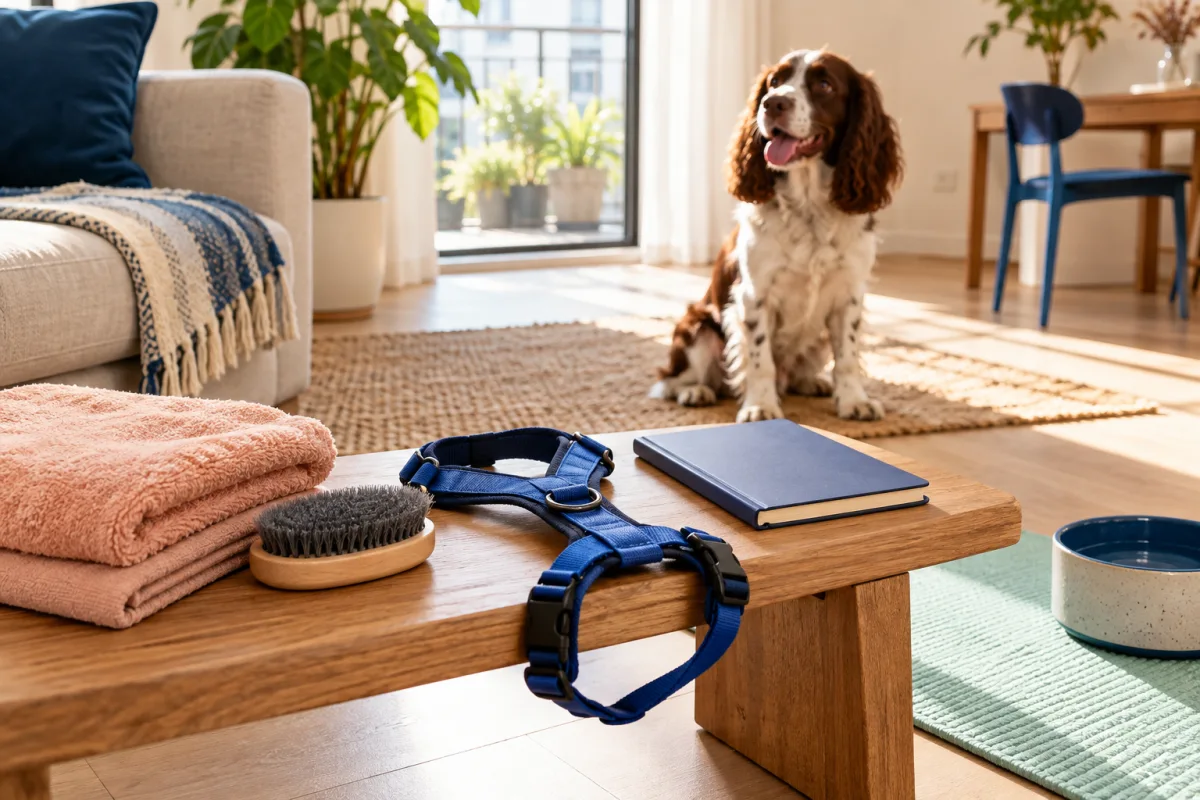
Towels, brush, harness and notebook arranged before a care rehearsal
Organize ordinary care items before inviting the dog to take part.

A practical walkthrough

From a choice to something you can use.

01

Choose meanings before choosing attractive words

Describe the behavior each cue is intended to refer to. Attention might mean briefly orienting toward the handler; a release might mark that an exercise is finished. Decide when the word is used, how it is introduced and what the person does next. Avoid filling every field just to complete the card. It is better to leave an untrained cue unset and explain the current management than to present an impressive-looking list nobody uses consistently.

02

Use the note to make limits visible

Record context that prevents a caregiver from relying on a skill too early. A recall practiced across a quiet room is not ready merely because its word appears on the card. You might explain that a resting-place cue is used only in an easy familiar setting or that outdoor movement still depends on a secure leash and careful route choices. Keep the note concise, factual and free of private access details or unnecessary medical information.

03

Create the card and check the result together

After entering the agreed fields, select Create cue card. Read the displayed result with the people who will use it and resolve any different interpretations before relying on the wording. The tool displays a reminder for fields left unset rather than inventing a cue. Saving happens when you create the card; simply typing new wording is not the same as updating the saved reference. Create it again after edits you intend to keep.

04

Keep the reference current and share it appropriately

Download the text file or use the browser print option when a caregiver needs a copy. The local fields can return after a reload, but you may need to create the card again to display the generated version. The tool does not send updates to printed or downloaded copies. Replace outdated versions when meanings change. Clear saved card asks for in-page confirmation, so export a useful copy first if you want to preserve it outside this browser.

A worked example

Make one cue clear enough for another adult.

A shared cue card is most helpful when it describes what the word means and where it has actually been practiced. Start with one familiar cue rather than filling every field at once.

The agreed signal
Choose the exact familiar word and describe the response in observable terms. For an attention cue, that might be turning toward the person in a quiet room.
The current context
Record the rooms and people involved in comfortable practice. Do not assume the same response is ready beside traffic or during a busy arrival.
The handover
Agree who updates the reference when practice changes. Keep passwords, building access codes and private medical information in an appropriate separate arrangement. Export a copy if you need one.

From an ordinary day

Illustrative household agreement: the word for all done

Two adults discover they use the same word in different ways. One says it when a mat exercise ends; the other uses it while preparing to put the leash on. Their first task is to agree on a clear release meaning and practice introducing it consistently in an easy setting. Writing the word on a card comes after that discussion, not as a shortcut around teaching it.

They fill in only the cues the dog has actually begun learning and use the care note to explain a limit: the resting-place cue is practiced in the living room, while busy entrances still need prepared equipment and management. Before a sitter visit, they demonstrate the easy version and the safe route. The sitter is not expected to infer a complete training plan from five short words.

They create the card, read the result together and download a copy containing ordinary cue information. Private arrival details are shared through an appropriate separate channel. When one cue later changes, they update the fields, create the card again and replace the old reference. This example shows coordination, not evidence that a particular set of cue words works better for every dog.

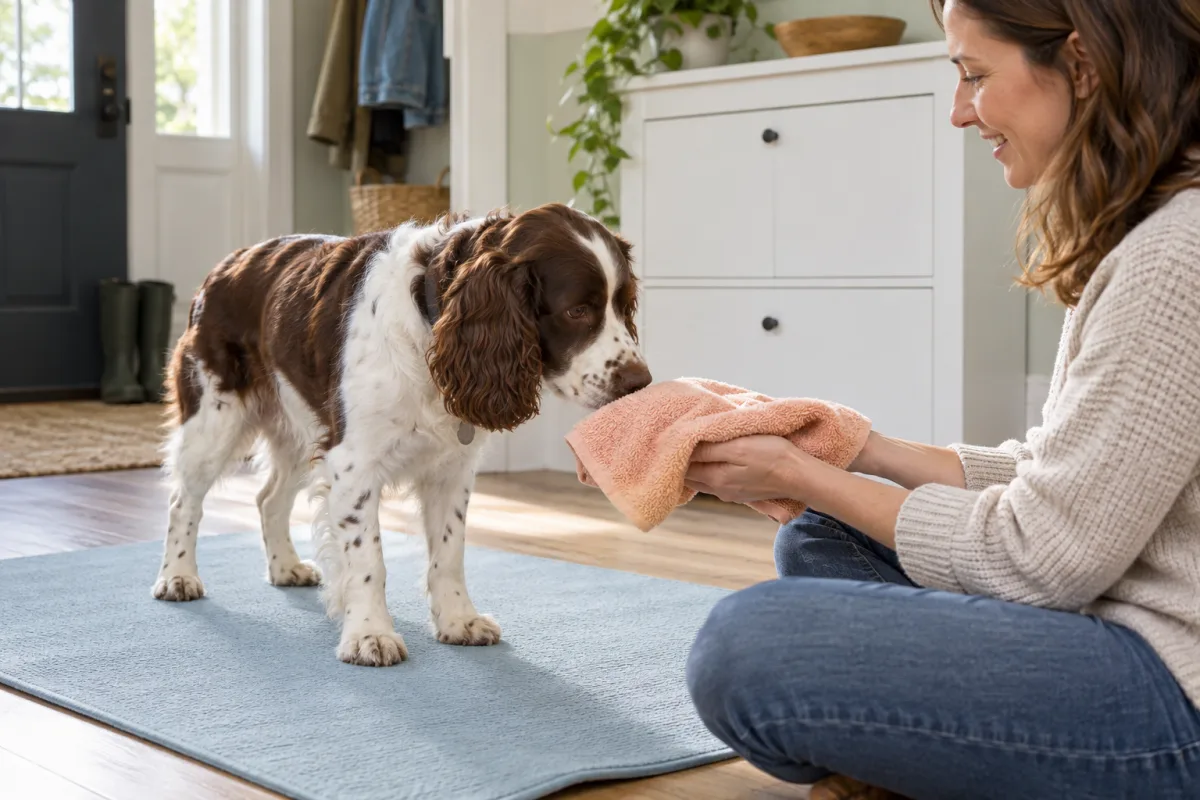
A spaniel freely investigating a towel held quietly by a seated adult
Optional preparation leaves room to approach, pause and move away.

When the picture changes

Adjust the setup, then decide.

SituationA practical adjustment
Two people use a cue for different actions.Pause and agree on one clear meaning and an easy teaching setup. A more forceful or repeated cue will not resolve the human disagreement.
A skill works only in a quiet familiar room.Record that context in the note and preserve suitable management elsewhere. Do not present the cue as reliable in every setting.
You have edited the form but need a new reference.Create the card again, review the output and download or print a replacement for anyone using an older copy.
A caregiver needs sensitive access or treatment instructions.Use an appropriate separate care channel. A general card stored on a shared browser is not a secure place for private records.

Before the next step

Using this tool in practice.

Will the card teach my dog the words I enter?

No. It organizes the words and meanings people have agreed to use. Introduce each behavior and cue in a suitable easy setting, with clear timing and an appropriate release. A written label does not create understanding or reliability. If a field is not ready, leave it unset and explain how the household will manage the relevant situation meanwhile.

Do all cues need to be single English words?

The tool accepts your household’s text; the important point is a clear shared meaning and thoughtful introduction. Keep the wording easy for the responsible people to use consistently. Do not change a cue repeatedly because another word seems more appealing. Consider the dog’s learning and the surrounding signals, and obtain suitable help if a particular training problem needs individual guidance.

Can everyone in the household edit one shared online card?

There is no online shared account. Fields are saved locally in the browser profile where you create the card. Another device or profile will not automatically receive changes. Use a suitable downloaded or printed reference and communicate updates directly. On a shared computer, remember that another person using the same profile may see the saved fields.

What should a sitter learn beyond the card?

Show the actual care route, equipment, reward arrangement and limits of the dog’s current skills. Explain who to contact and how necessary care is covered through appropriate separate instructions. A short cue reference cannot replace a practical handover, current professional guidance or a plan for situations the dog finds difficult. Demonstrate the easy version instead of asking the sitter to test an uncertain one.